How to Transfer Crypto from Wealthsimple to a Ledger Wallet
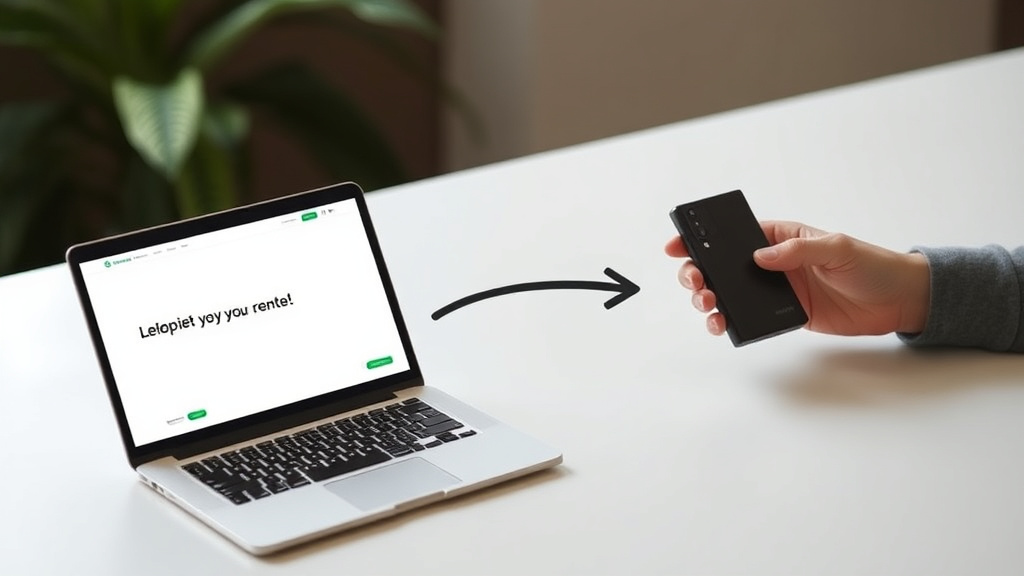
Ever bought crypto on Wealthsimple and wondered how to take full control by moving it to your own hardware wallet? Transferring your cryptocurrency from Wealthsimple to a Ledger wallet is a smart move...
The Lifetimes Canada editorial team curates, fact-checks, and updates guides on personal finance, property, health, immigration, legal, business, and lifestyle topics relevant to Lifetimes Canada readers. Articles are produced with AI assistance and reviewed by the editorial team before publication.
Ever bought crypto on Wealthsimple and wondered how to take full control by moving it to your own hardware wallet? Transferring your cryptocurrency from Wealthsimple to a Ledger wallet is a smart move for Canadians looking to enhance security and self-custody their assets in 2026.
With Wealthsimple's user-friendly app and Ledger's robust hardware protection, this process is straightforward—but it requires careful steps to avoid costly mistakes like sending to the wrong network. Whether you're holding Bitcoin, Ethereum, or other supported coins, we'll walk you through it step by step, including Canadian tax considerations and best practices.
Why Transfer Crypto from Wealthsimple to a Ledger Wallet?
Keeping your crypto on an exchange like Wealthsimple means you're trusting a third party with your private keys—a risk that's led to major hacks worldwide. A Ledger hardware wallet stores your keys offline, making it nearly impossible for hackers to access without physical possession of the device.
For Canadians, this shift to self-custody aligns with growing regulatory clarity from the Canadian Securities Administrators (CSA) and the Canada Revenue Agency (CRA). As crypto adoption rises—Statistics Canada reports over 13% of Canadians own digital assets in 2025—protecting your holdings is more crucial than ever.
- Enhanced security: Offline storage beats exchange hot wallets.
- Full control: No more relying on platform availability during outages.
- Lower long-term fees: Avoid trading fees while holding in cold storage.
- Tax efficiency: Withdrawals to your own wallet aren't taxable events.
What You'll Need Before Starting
Gather these essentials to ensure a smooth transfer:
- A verified Wealthsimple crypto account—complete any identity verification prompts.
- A Ledger device (Nano S Plus, Nano X, or Flex) with the latest firmware via Ledger Live.
- The Ledger Live app installed on your computer or mobile device.
- Supported cryptocurrencies: Check Wealthsimple's app for the current list, including BTC (Bitcoin), ETH (Ethereum), and others with minimum withdrawal amounts.
- Your 24-word recovery phrase backed up securely—never share it.
Pro tip for Canadians: Enable two-factor authentication (2FA) on both Wealthsimple and Ledger Live, and consider using a YubiKey for extra protection against phishing, as recommended by the Canadian Centre for Cyber Security.
Step-by-Step Guide: Setting Up Your Ledger Wallet
1. Install and Initialise Your Ledger Device
Connect your Ledger to your computer or phone via USB/Bluetooth. Download Ledger Live from the official site and follow the setup wizard:
- Create a new wallet or restore an existing one.
- Write down your recovery phrase on paper and store it safely—perhaps in a fireproof safe.
- Update firmware and install apps for your cryptos (e.g., Bitcoin, Ethereum).
2. Generate Your Receiving Address on Ledger
This is critical—always verify addresses on your Ledger device screen.
- Open Ledger Live and connect your device.
- Go to Accounts > Select the crypto account (e.g., Ethereum).
- Click Receive.
- Choose the blockchain app on your Ledger (e.g., Ethereum app).
- Tap Receive on the device and verify the address matches Ledger Live.
- Copy the address—double-check for accuracy.
Warning: Mismatched networks (e.g., sending ETH to an ERC-20 address on BSC) can result in lost funds. Wealthsimple uses native networks like Bitcoin or Ethereum mainnet.
Step-by-Step Guide: Withdrawing from Wealthsimple
3. Initiate the Withdrawal in the Wealthsimple App
Now, move to the Wealthsimple mobile app—the primary interface for crypto transfers in Canada.
- Log in to the Wealthsimple app.
- Tap the Move tab at the bottom.
- Under Transfer assets, tap Send crypto.
- Complete any identity verification if prompted.
- Select the cryptocurrency and enter the amount (cash value or quantity). Note the minimum withdrawal and fees.
- Paste your Ledger wallet address.
- Add a Memo if required (e.g., for XRP).
- Tap Preview transfer to review fees, network, and details.
- Confirm with your Wealthsimple login (PIN/biometrics).
Transfers typically process in minutes to hours, depending on network congestion. Track via blockchain explorers like Etherscan for ETH or Blockchair for BTC.
4. Verify and Confirm Everything
Before hitting send:
- Address match: Paste and visually confirm the full address.
- Network compatibility: Ensure Ledger address supports Wealthsimple's network.
- Fees: Wealthsimple charges a network fee—budget extra for gas on Ethereum.
- Test small: Send a tiny amount first (e.g., 0.001 BTC) to verify.
Canadian Tax Implications and CRA Reporting
Good news: Withdrawing crypto from Wealthsimple to your own Ledger wallet isn't a taxable disposition under CRA rules—it's like moving cash between your own bank accounts. However:
- Track cost basis (adjusted cost base, or ACB) for future sales using CRA-approved methods like average cost or FIFO.
- Report crypto as a capital property on your T1 return if you sell later—use Form T2125 for business income if trading actively.
- For 2026 filings, CRA's crypto audit focus means keeping records of all transfers via tools like Koinly or CoinTracker, which integrate with Wealthsimple exports.
Consult canada.ca/cra-arc.gc.ca for the latest guidance, or a crypto-savvy accountant.
Common Mistakes to Avoid
Don't let simple errors wipe out your portfolio:
| Mistake | Consequence | Fix |
|---|---|---|
| Wrong address | Irreversible loss | Verify on Ledger screen |
| Network mismatch | Forked or lost funds | Check supported networks in app |
| Forgetting Memo | Failed receipt (e.g., XRP) | Always include if prompted |
| Large first transfer | Risk without test | Start small |
Advanced Tips for Canadian Crypto Holders
- RRSP/TFSA integration: While Wealthsimple Crypto isn't eligible, hold stablecoins on Ledger and consider Bitcoin ETFs in registered accounts.
- Multi-sig setups: Use Ledger with Gnosis Safe for shared family holdings.
- Backup strategy: Split recovery phrases across secure locations, like a safety deposit box at your bank.
- Stay updated: Monitor CSA notices on osc.ca for evolving rules.
Next Steps to Secure Your Crypto
Follow this guide today to move a test amount, then your full holdings. Regularly update your Ledger firmware, diversify storage, and review CRA filings annually. Self-custody empowers you—stay safe out there.
Frequently Asked Questions
Sources & References
-
1
Withdraw crypto to an external wallet - Help Centre - Wealthsimple — help.wealthsimple.com
-
2
How To Transfer Crypto From Wealthsimple To Ledger Nano X - YouTube — www.youtube.com
-
3
How to send your crypto between Ledger accounts - Ledger Support — support.ledger.com
-
4
How To Transfer Crypto from Wealthsimple to Cold Wallet (2025) - YouTube — www.youtube.com
-
5
Withdrawing crypto from an exchange to your Ledger account - Ledger Support — support.ledger.com
-
6
How to Send Crypto From an Exchange to Ledger Wallet - Ledger Official — www.youtube.com
-
7
Deposit crypto from an external wallet - Help Centre - Wealthsimple — help.wealthsimple.com
-
8
Transfer cryptocurrency - Help Centre - Wealthsimple — help.wealthsimple.com
-
9
How to transfer crypto from wealthsimple to Cold wallet - YouTube — www.youtube.com
Related Articles
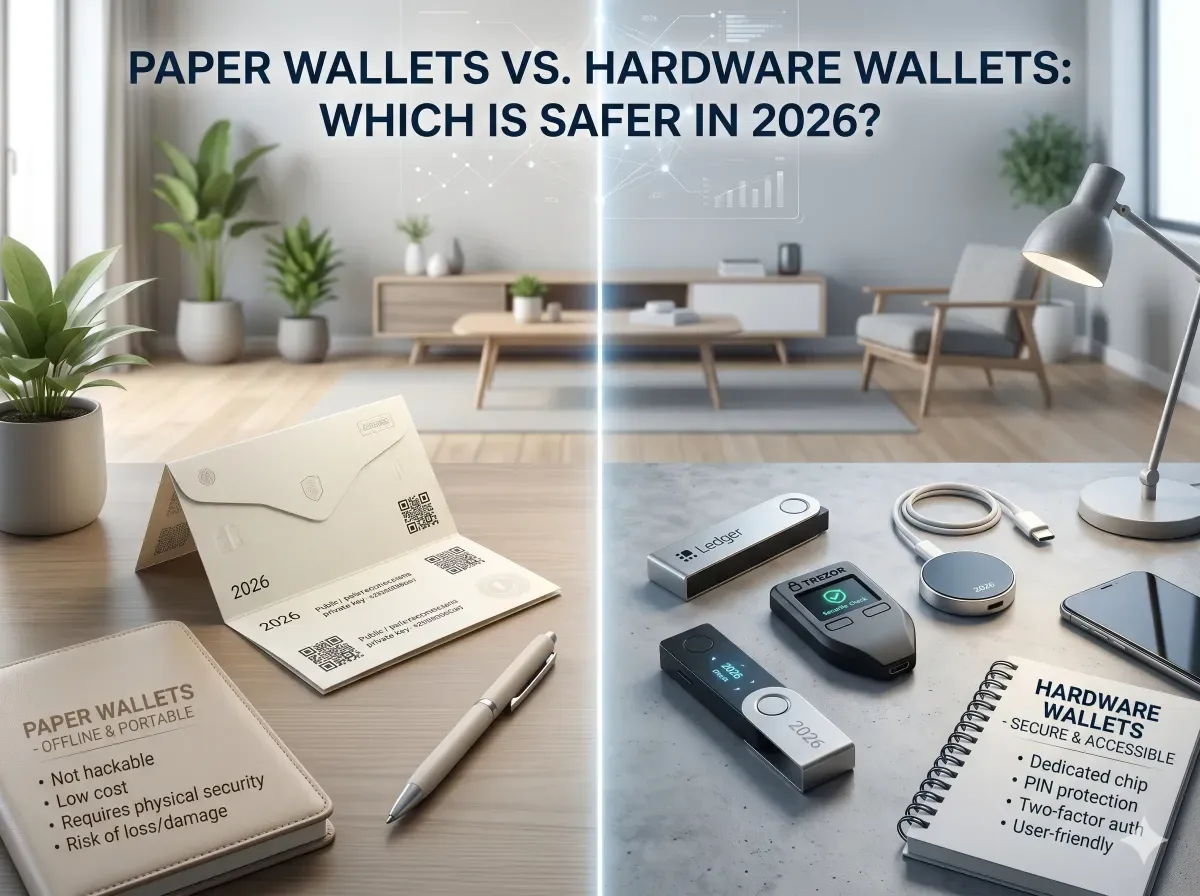
Paper Wallets vs Hardware Wallets: Which is Safer in 2026?
If you've been holding cryptocurrency for any length of time, you've likely heard the debate: is a paper wallet or a hardware wallet the safer option? In 2026, with cyber threats evolving and Canadian...
Best Seed Phrase Storage Options in 2026 (Metal Wallets Reviewed)
Imagine losing access to your cryptocurrency holdings because your seed phrase got wet, burned, or stolen—it's a nightmare no Canadian crypto holder wants to face. In 2026, with Bitcoin and Ethereum p...
Ledger Nano X vs Trezor Safe 3: Best Cold Wallet for Canadians in 2026
As Canadians dive deeper into cryptocurrency investments, choosing the right cold wallet is crucial for safeguarding assets against hacks and theft. The **Ledger Nano X** and **Trezor Safe 3** stand o...